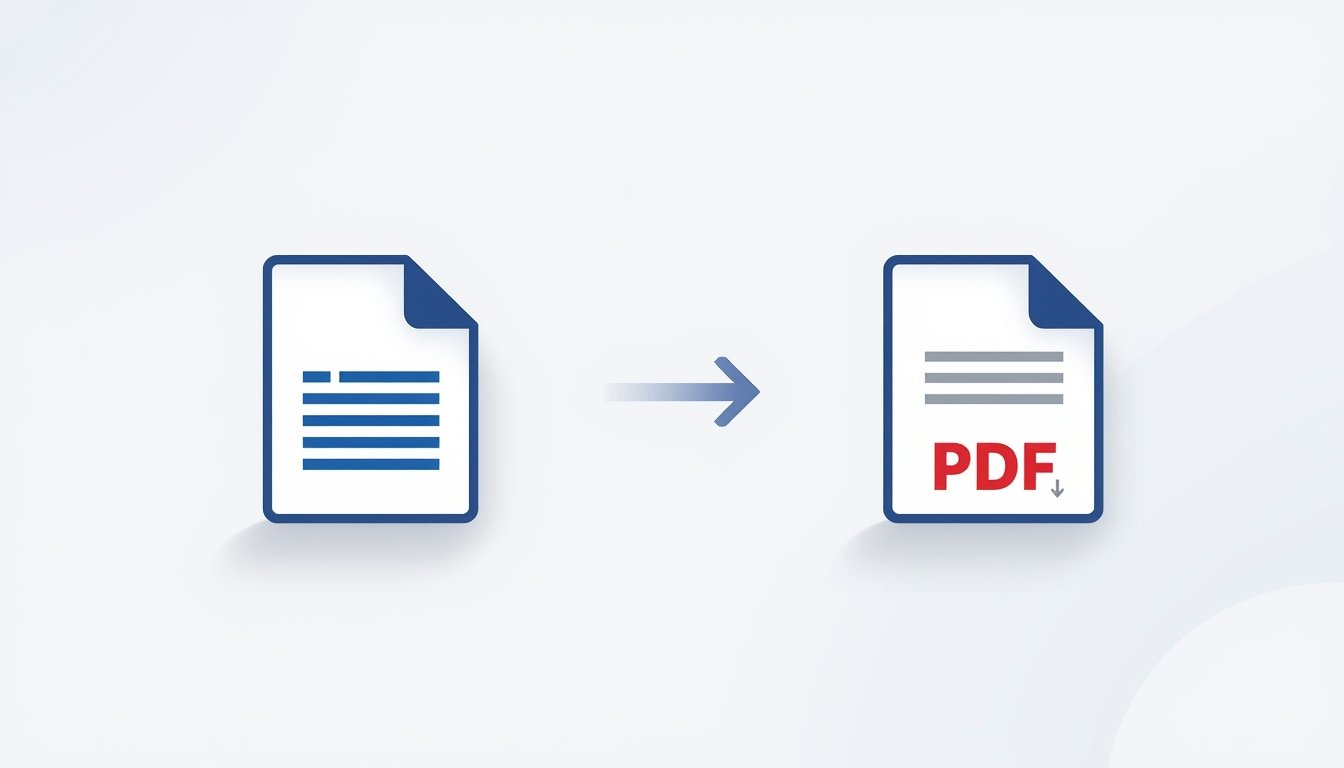
In today’s digital workflow, sharing documents in a secure and professional format is very important. Word files are easy to edit, but formatting issues often appear when they are opened on different devices. To avoid this problem, converting Word documents into PDF is the best solution.
Zaptool.cloud Word to PDF Converter helps you convert DOC and DOCX files into high-quality PDF files quickly, safely, and without losing formatting.
What is Zaptool.cloud Word to PDF Converter?
Zaptool.cloud provides a free online Word to PDF converter that allows users to turn Word documents into PDF format directly from the browser. No software installation, no login, and no technical knowledge required.
It is designed for students, professionals, and everyday users who want fast and reliable document conversion.
Why Use Zaptool.cloud for Word to PDF Conversion?
Zaptool.cloud focuses on simplicity, speed, and accuracy. The tool ensures that your document layout, fonts, images, and spacing remain exactly the same after conversion.
Key reasons to choose zaptool.cloud:
- 100% free Word to PDF conversion
- No watermark added to PDF
- Original formatting preserved
- Secure file handling
- Works on all devices
Benefits of Converting Word to PDF
PDF is the most trusted document format worldwide. Converting Word to PDF offers many advantages:
- Protects document content from editing
- Maintains professional appearance
- Compatible with all operating systems
- Easy to share and print
- Ideal for resumes, assignments, and reports
With zaptool.cloud, you can convert Word files to PDF confidently without worrying about quality loss.
Key Features of Zaptool.cloud Word to PDF Tool
Fast Conversion
Upload your Word file and get a PDF within seconds.
No Formatting Loss
Tables, images, headings, and fonts stay intact.
No Registration Required
Use the tool instantly without creating an account.
Safe & Secure
Uploaded files are processed securely and not stored permanently.
Mobile & Desktop Friendly
Works smoothly on phones, tablets, and computers.
How to Convert Word to PDF Using Zaptool.cloud
Step 1: Visit zaptool.cloud
Step 2: Open the Word to PDF converter tool
Step 3: Upload your DOC or DOCX file
Step 4: Click on convert
Step 5: Download your PDF file instantly
The entire process takes just a few seconds.
Who Can Use This Tool?
Zaptool.cloud Word to PDF converter is useful for:
- Students submitting assignments
- Job seekers creating resumes
- Office professionals sharing reports
- Teachers and educators
- Freelancers and business users
Anyone who needs a clean and reliable PDF can use this tool.
Why Zaptool.cloud is Better Than Other Converters
Many online converters limit usage, add watermarks, or ask for sign-ups. Zaptool.cloud keeps things simple and user-friendly.
It offers:
- Free unlimited conversions
- No ads interruption
- Clean interface
- Accurate output quality
This makes zaptool.cloud a trustworthy choice for document conversion.
Final Words
If you are looking for a free and reliable Word to PDF converter, zaptool.cloud is the perfect solution. It saves time, preserves quality, and works instantly on any device.
Convert your Word documents to PDF easily with zaptool.cloud and simplify your document workflow today.