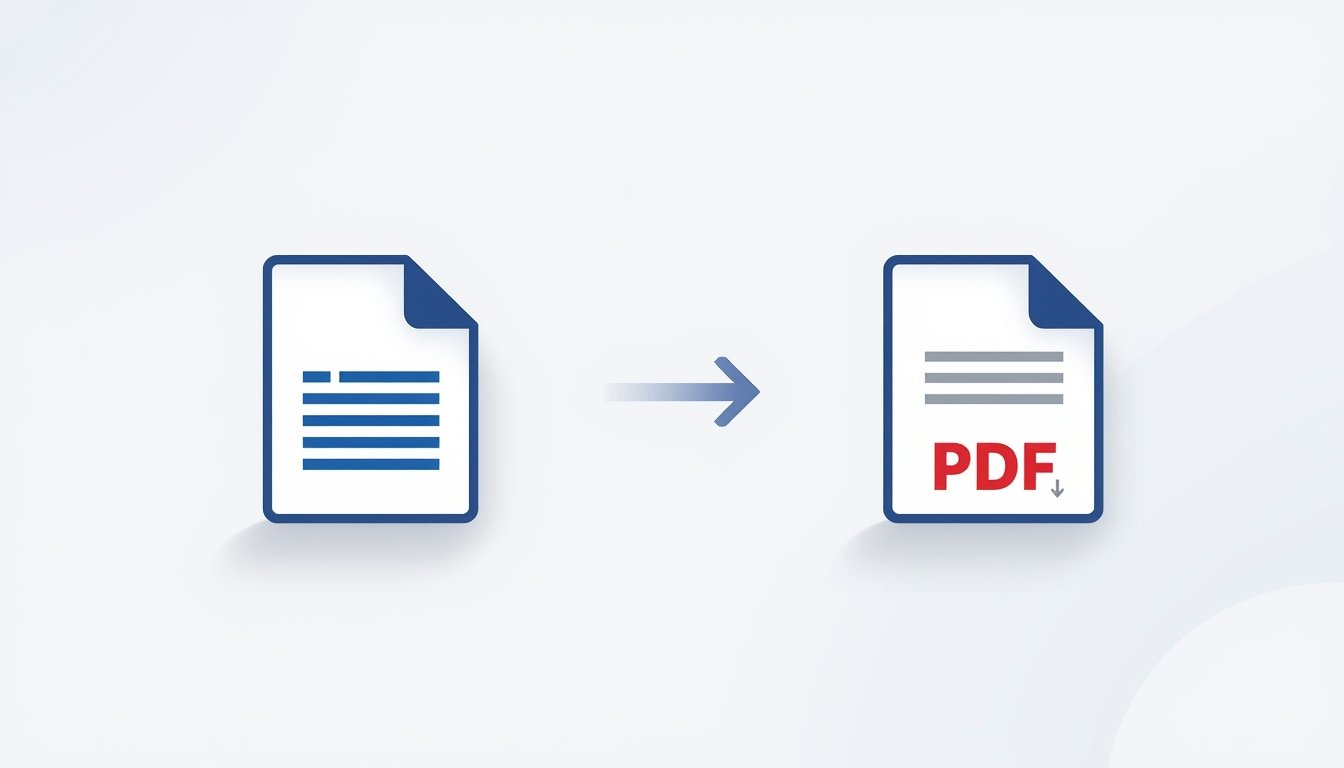
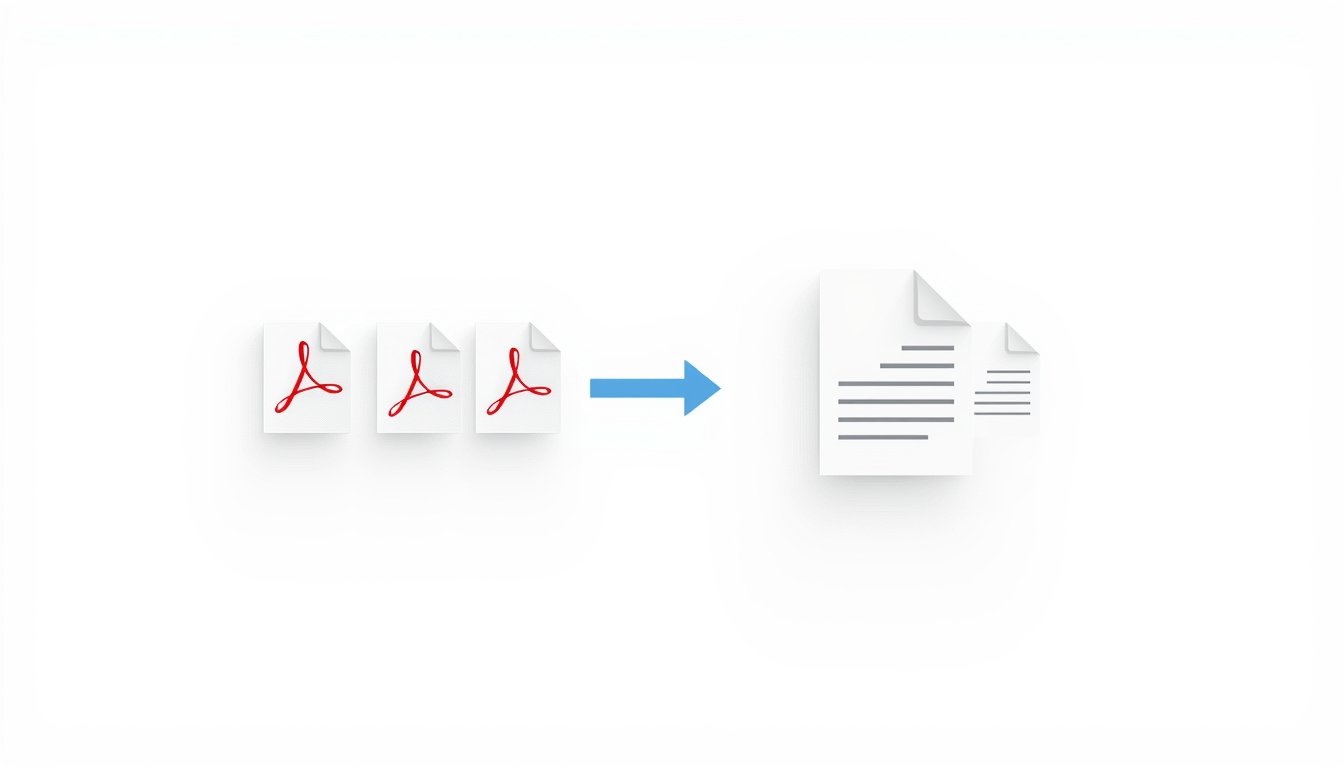
anaging multiple PDF files can be time-consuming, especially when you need to share or submit them as a single document. Instead of sending many files one by one, merging them into one PDF is the smartest solution.
Zaptool.cloud Merge PDF tool helps you combine multiple PDF files into a single PDF quickly, securely, and without any quality loss.
What is Zaptool.cloud Merge PDF Tool?
Zaptool.cloud provides a free online Merge PDF tool that allows users to join two or more PDF files into one document directly from their browser. No software installation, no sign-up, and no technical skills required.
It is designed for students, professionals, and anyone who works with PDF documents regularly.
Why Use Zaptool.cloud to Merge PDFs?
Zaptool.cloud focuses on simplicity and reliability. The tool ensures that your PDF pages remain in the same quality and order after merging.
Main benefits include:
- Free PDF merging online
- No watermark added
- Original quality preserved
- Secure file processing
- Works on all devices
Why Merging PDFs is Useful
Merging PDFs helps in many real-life situations:
- Combining assignments or notes
- Joining invoices or reports
- Submitting documents as a single file
- Organizing scanned pages
- Sharing files professionally
With zaptool.cloud, merging PDFs becomes fast and hassle-free.
Key Features of Zaptool.cloud Merge PDF
Fast Processing
Upload multiple PDFs and merge them within seconds.
No Quality Loss
Text, images, and layout remain unchanged.
No Registration Required
Use the tool instantly without login.
Safe & Secure
Files are processed securely and not stored permanently.
Mobile & Desktop Friendly
Works smoothly on smartphones, tablets, and computers.
How to Merge PDF Files Using Zaptool.cloud
Step 1: Visit zaptool.cloud
Step 2: Open the Merge PDF tool
Step 3: Upload two or more PDF files
Step 4: Arrange files in the required order
Step 5: Click on merge and download the final PDF
The process is quick and easy.
Who Can Use This Tool?
Zaptool.cloud Merge PDF is useful for:
- Students and teachers
- Office professionals
- Freelancers
- Business users
- Anyone handling PDF documents
Why Zaptool.cloud is Better Than Other PDF Merge Tools
Many online tools add watermarks, limit file size, or force users to sign up. Zaptool.cloud keeps things simple.
It offers:
- Unlimited free usage
- Clean and user-friendly interface
- No ads disturbance
- Reliable output quality
Final Thoughts
If you are looking for a free and reliable Merge PDF tool, zaptool.cloud is the perfect choice. It saves time, keeps your documents organized, and works instantly on any device.
Merge your PDF files easily with zaptool.cloud and simplify your document workflow.